5.11.3 Volume Conditions
Streamline can also be released from any positions in the volume using different patterns and are specified as follows:
The list of parameters corresponding to streamlines module defined at volume level is explained below:
Release Particle
Release Particle activates the release of streamlines at the volume level. To activate the release of streamlines, Click Yes for Release Particle option. With the activation of Release Particle, the following parameters appears to define the streamline.
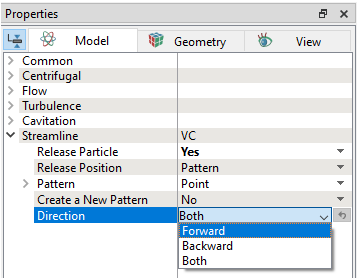
- Release Position
- Pattern
- Direction
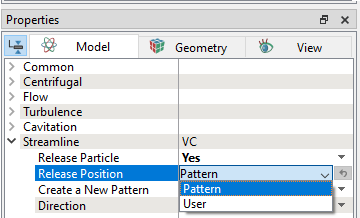
Release PositionFor each streamline, the starting position is specified when it is released. At volume level, the release position can be determined by one of the two options as shown in Figure 5.255
|
Pattern
|
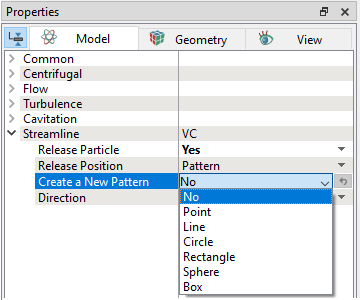
Release pattern is specified at volume level using this option. For streamlines, the release position or pattern is defined using any of the options below: |
Figure 5.256 - Pattern |
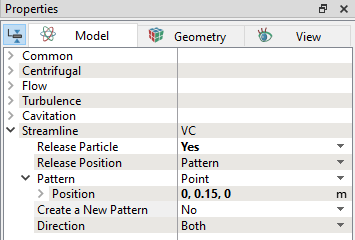
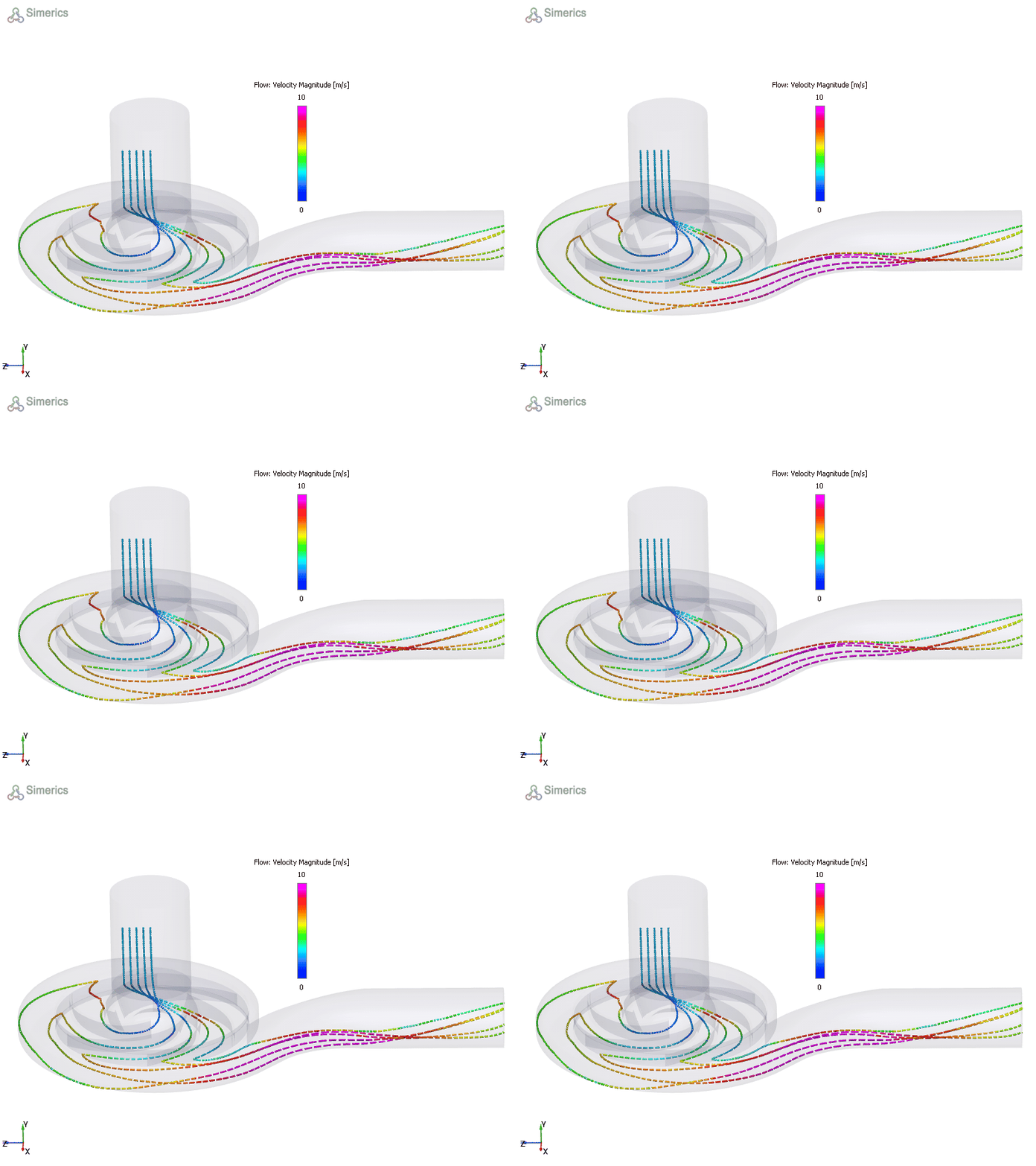
Point
|
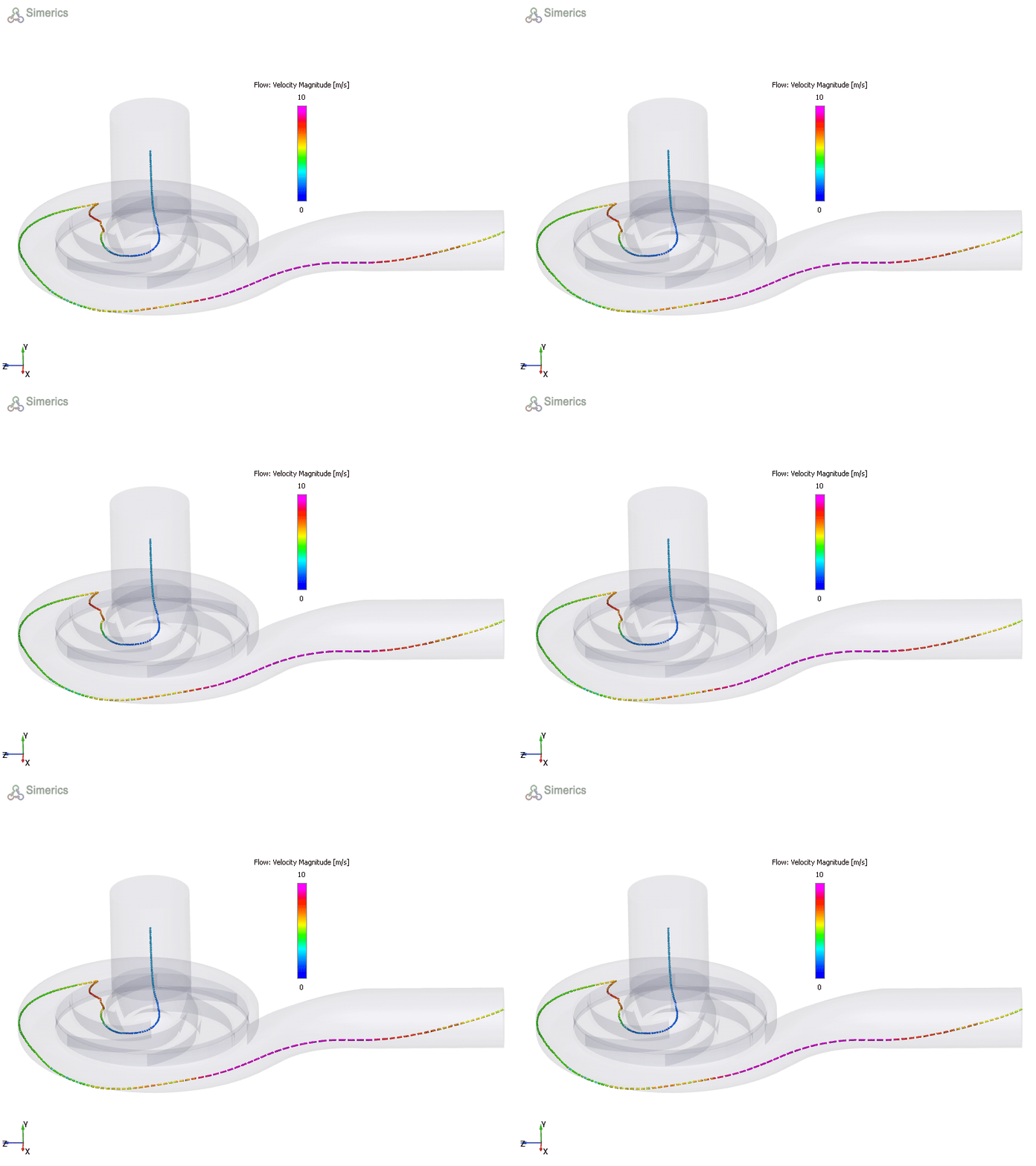
Streamline originates from this Position Refer to Figure 5.257 for streamlines generated using this pattern.
|
Figure 5.258 - Point |
 .
.
Line
|
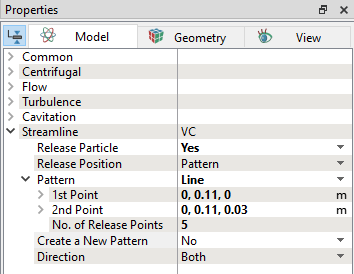
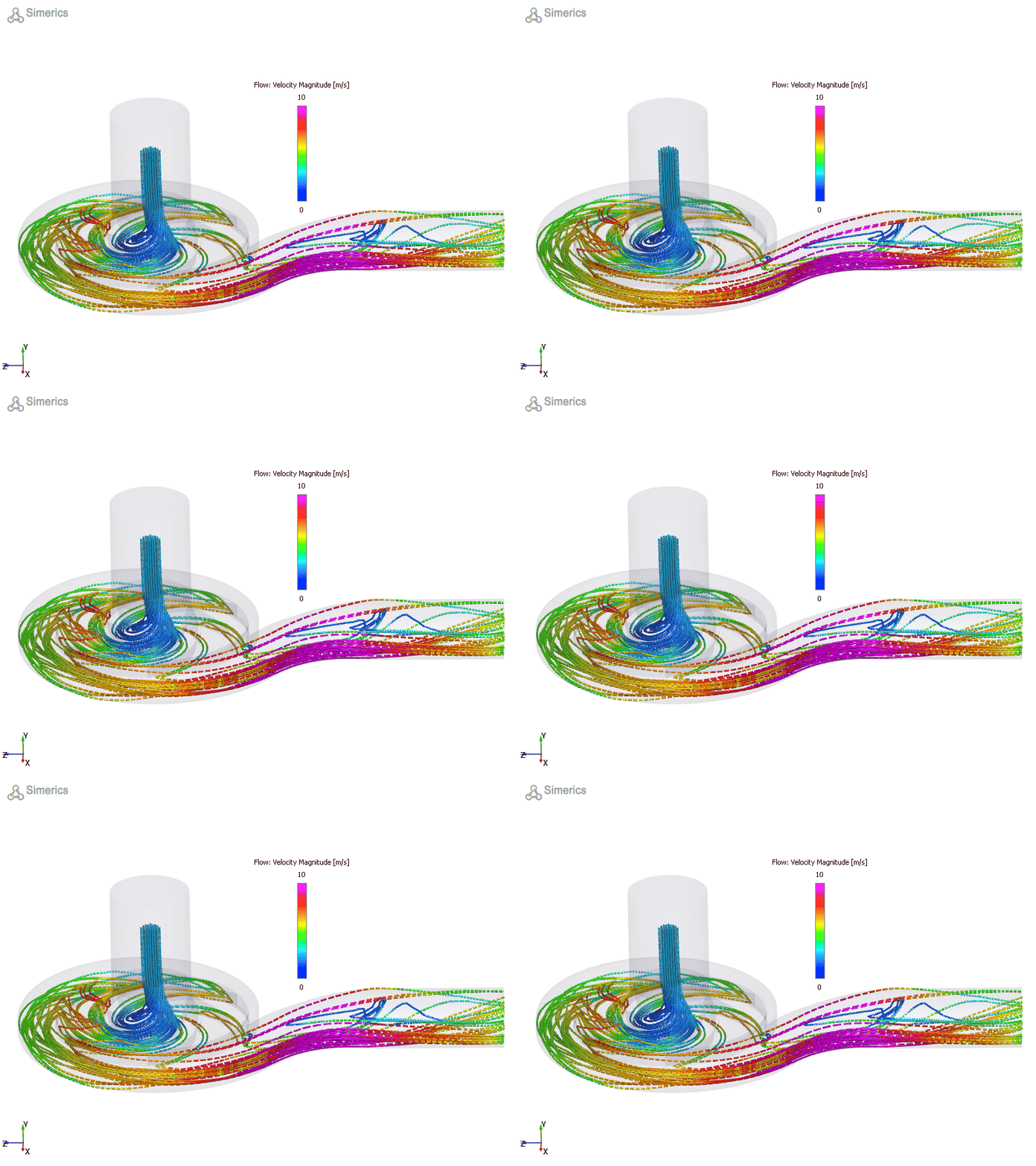
Streamlines are released between two points.
Refer to Figure 5.259 for streamlines generated using this pattern.
|
Figure 5.260 - Line |
 and
and 
Circle
|
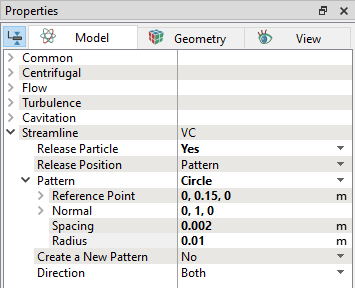
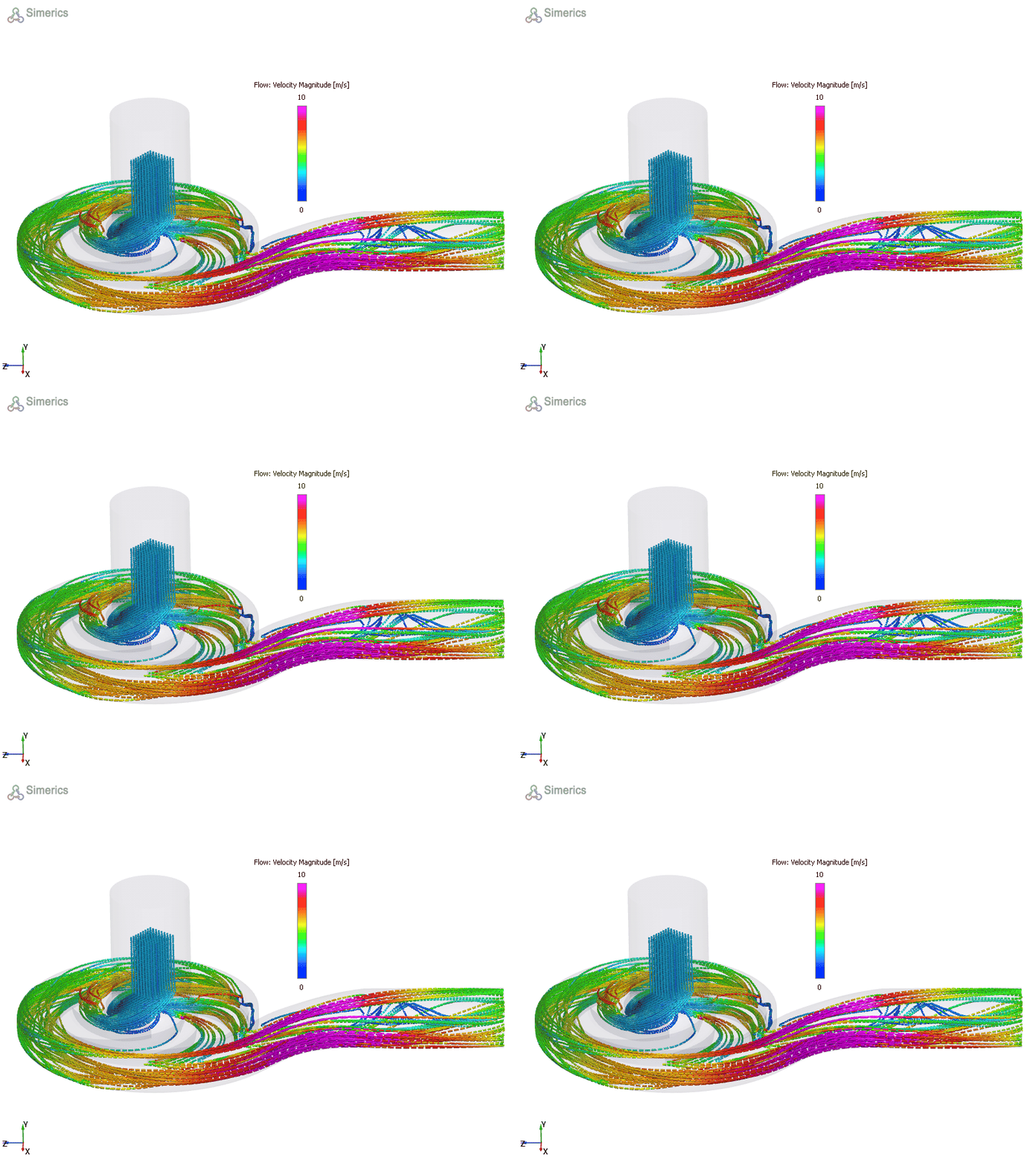
Streamline originates from a circular shaped area.
Refer to Figure 5.261 for streamlines generated using this pattern.
|
Figure 5.262 - Circle |
Rectangle
|
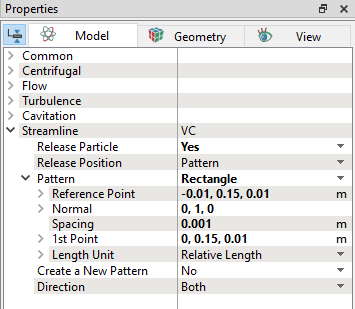
Streamlines are released from a rectangular shaped area from the selected volume.
Refer to Figure 5.263 for streamlines generated using this pattern.
|
Figure 5.264 - Rectangle |
| Note: If the co-ordinates defined in the pattern are outside the domain, streamlines are created only in the bounds of computational domain. |
Direction
|
There are three options for tracing the direction of a streamline released using any of the pattern above.
|
Figure 5.265 - Direction |